The Truth About Early PC Recording
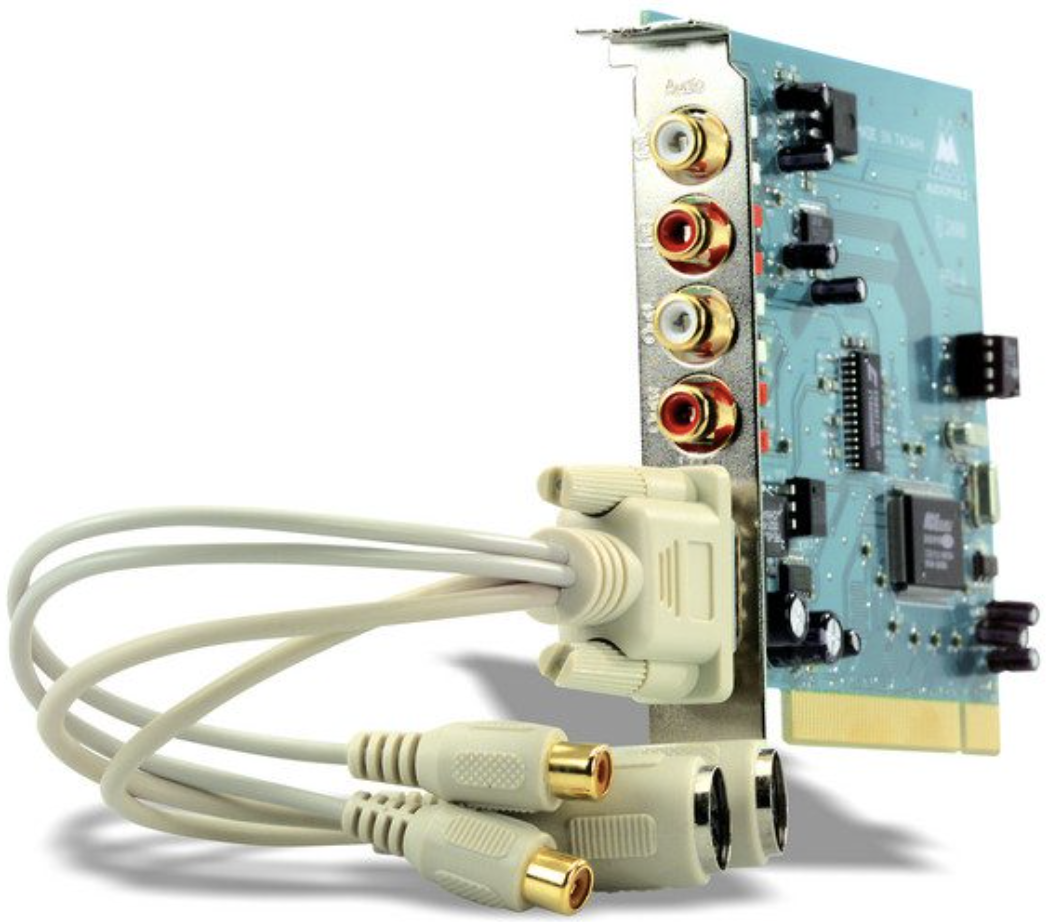
My entry into digital recording started on a high note. I picked up a simple two-channel interface: the M-Audio Audiophile 2496. This PCI card was a staple of the era, featuring gold-plated RCA connectors and MIDI I/O, supporting 24-bit/96kHz fidelity that felt like a massive leap forward. I used it to convert two-track masters from my Tascam 688 Midistudio—a legendary 8-track cassette workstation. The converters were surprisingly transparent, allowing me to produce the first CD for my project, Overtone. I was officially hooked.
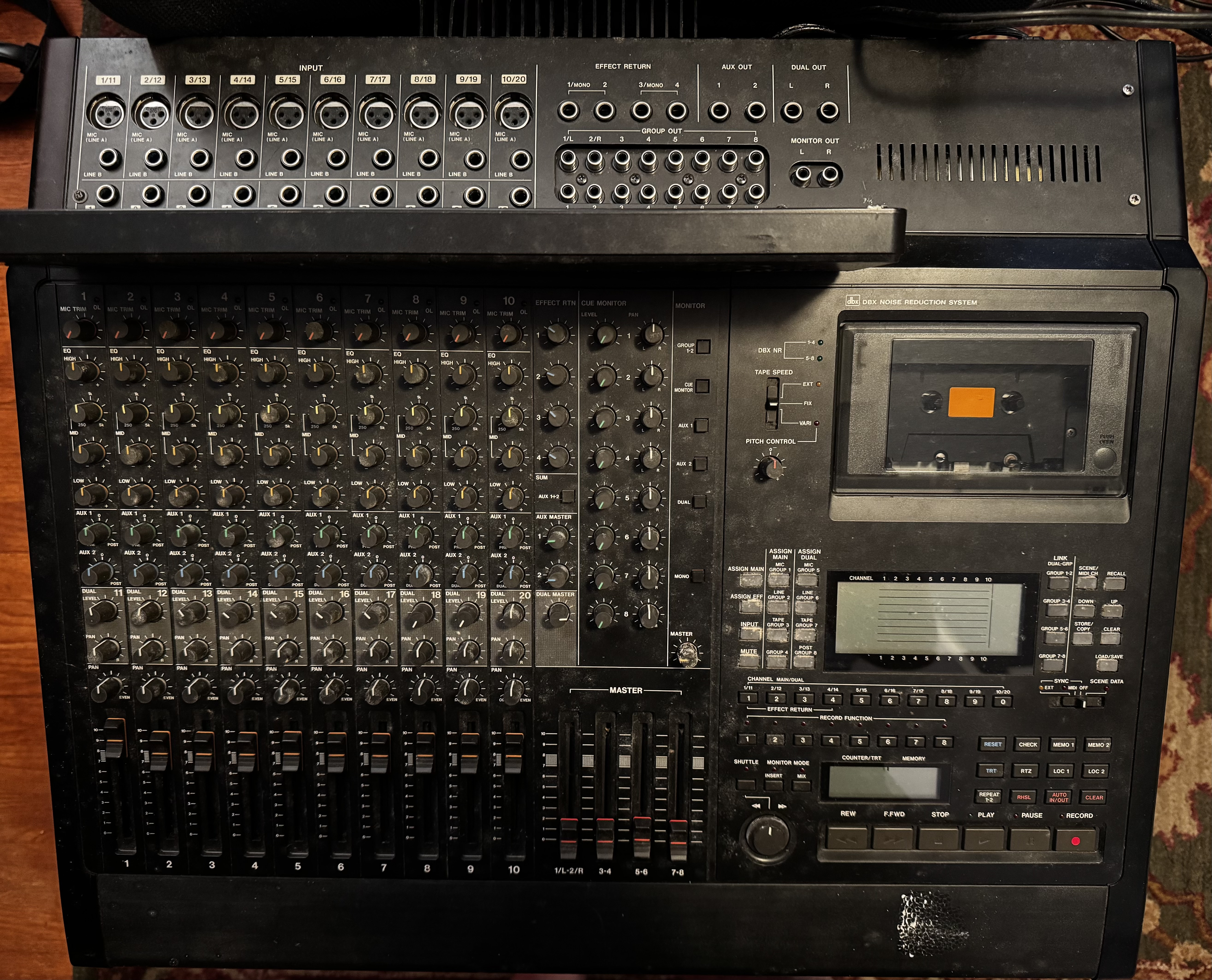
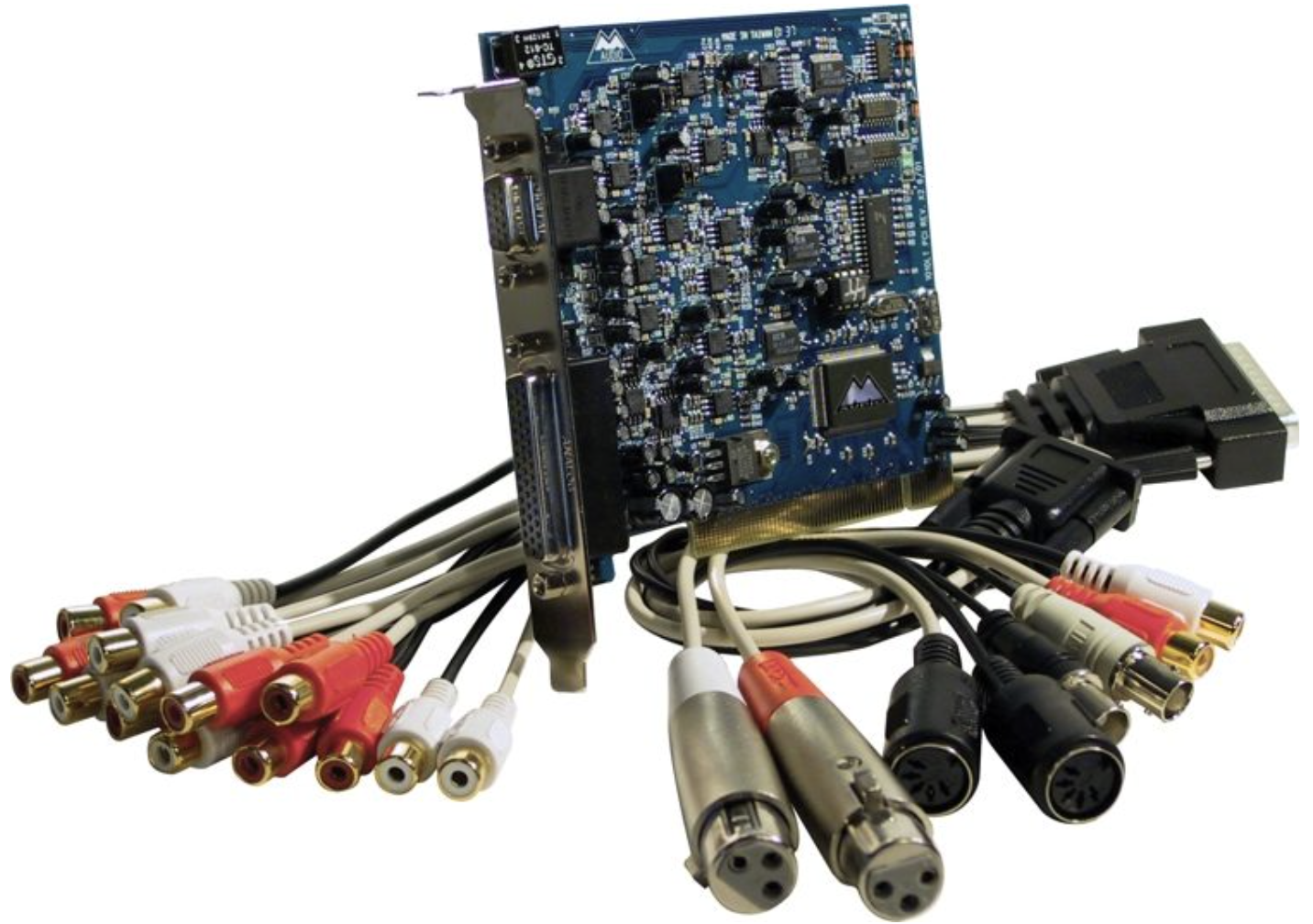
Wanting more flexibility, I eventually needed more inputs to transfer individual tracks from the 688 into a DAW. This would allow me to leverage the power of VST plugins for mixing and mastering. I upgraded to the M-Audio Delta 1010LT, a PCI card equipped with a breakout "octopus" cable that offered 8 channels of analog I/O and XLR inputs with preamps. It utilized the same high-quality converters as the 2496, and for a while, life was good. The drivers were stable, and the workflow was seamless.
The "Dream Setup" That Became a Nightmare
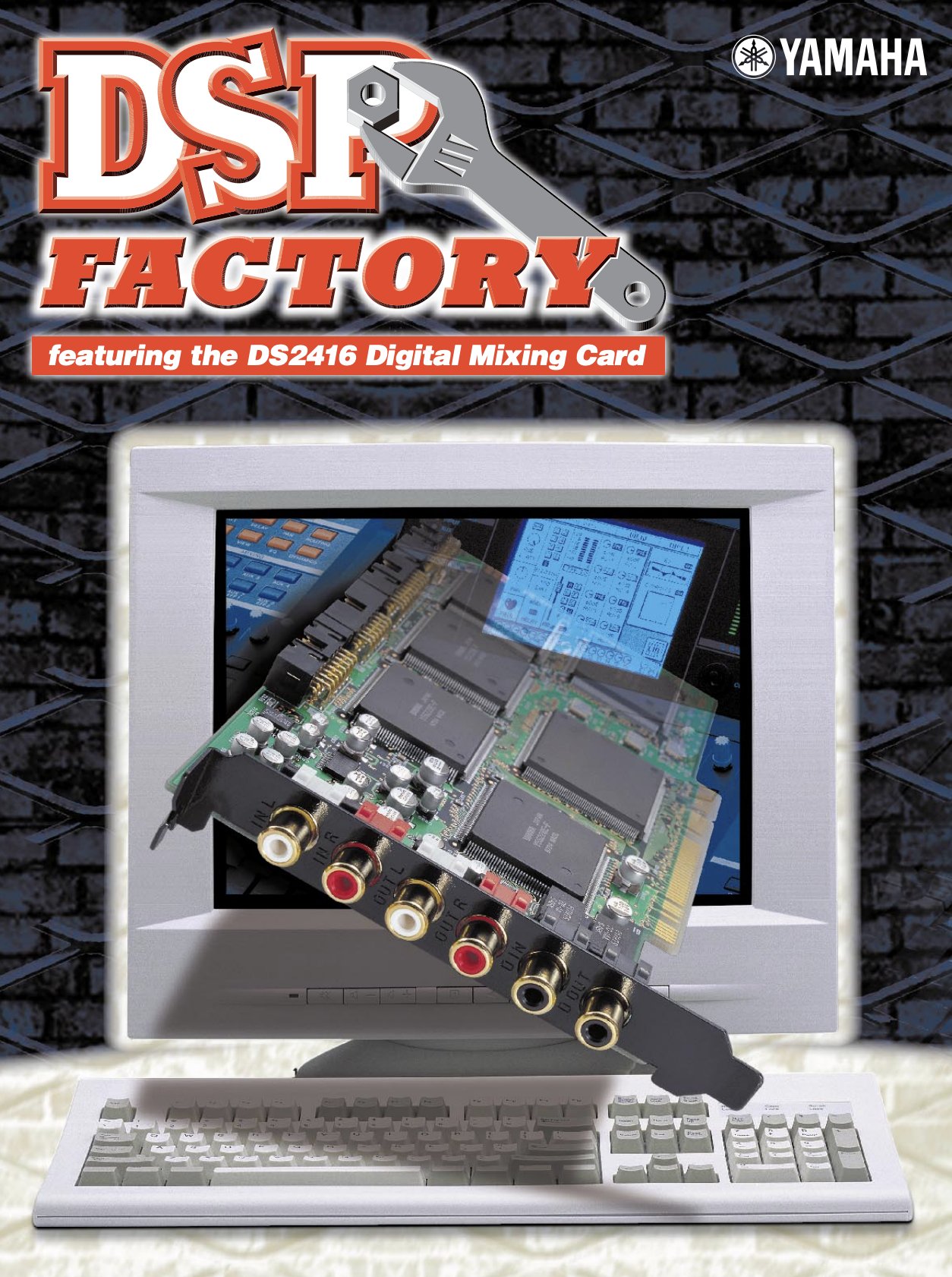
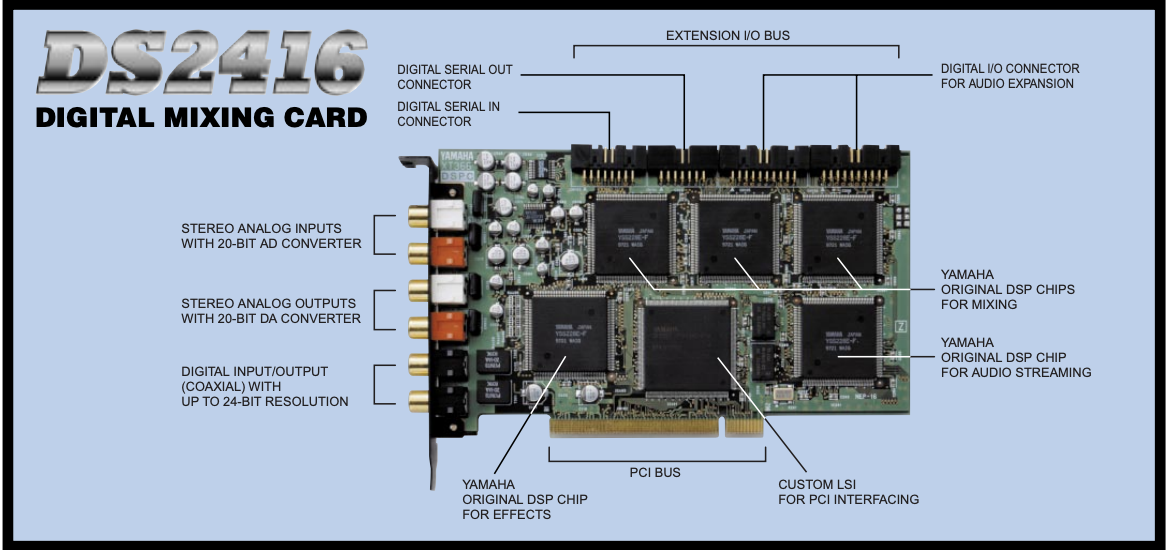
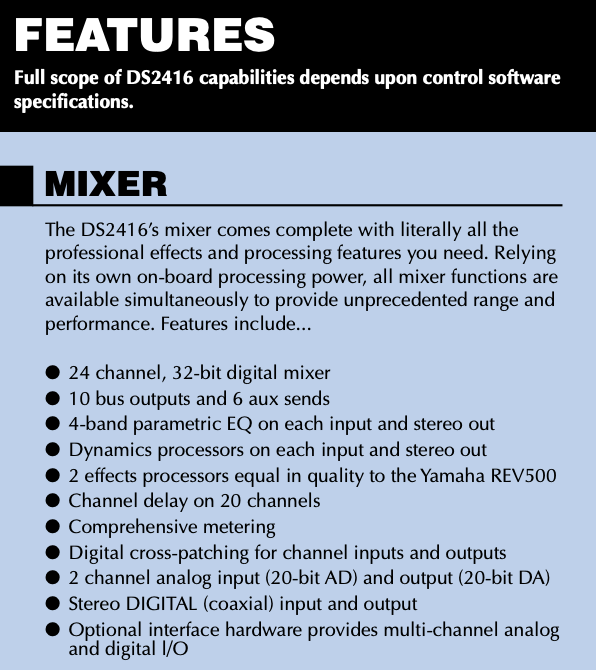
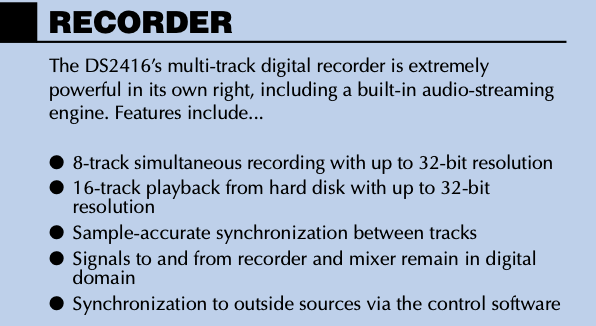
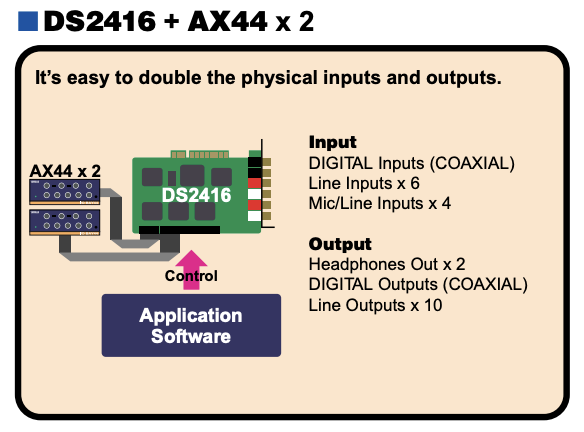
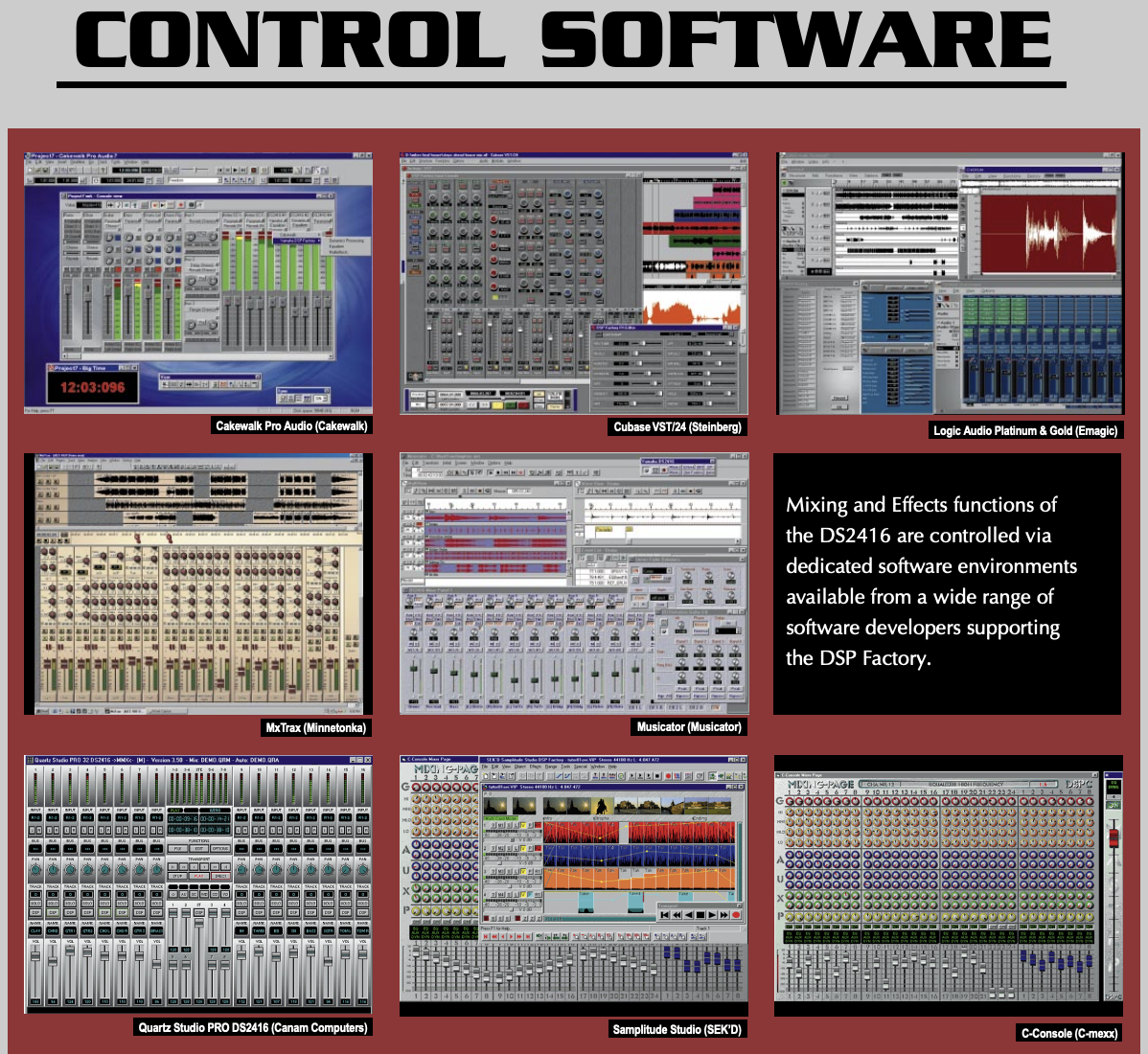
I should have stayed there, but the desire to use onboard DSP (Digital Signal Processing) was too strong. I was really excited about the Yamaha DSP Factory (DS2416). On paper, it was a revolution: a PCI card that essentially put the guts of an 02R digital mixer inside your computer. It promised 24 channels of digital mixing and 32-bit onboard effects, taking the processing load off the CPU. Because Yamaha and Steinberg had a close partnership, Cubase featured a dedicated "DSP Factory" console window that mirrored the hardware perfectly.
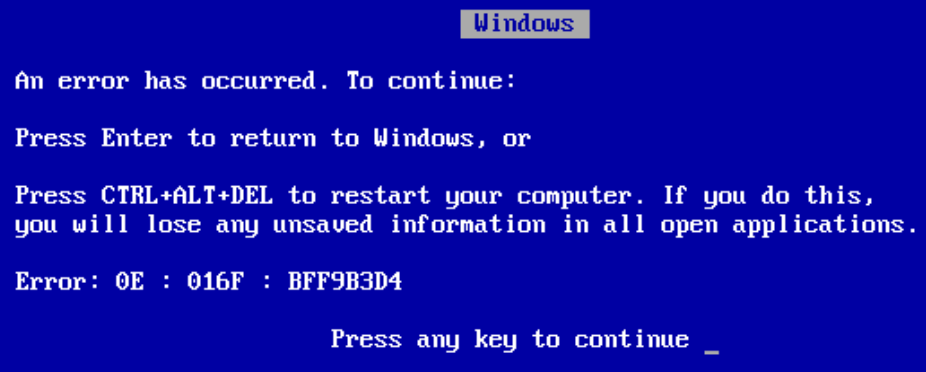
In reality, it was a compatibility minefield. I was met with constant Windows errors and the dreaded Blue Screen of Death (BSOD). Instead of capturing takes, I was hunting for IRQ conflicts and tweaking BIOS settings. My budget-friendly PCs at the time were simply underpowered for the high-bandwidth demands of multi-channel audio.
Finding "Mastering Grade" Stability
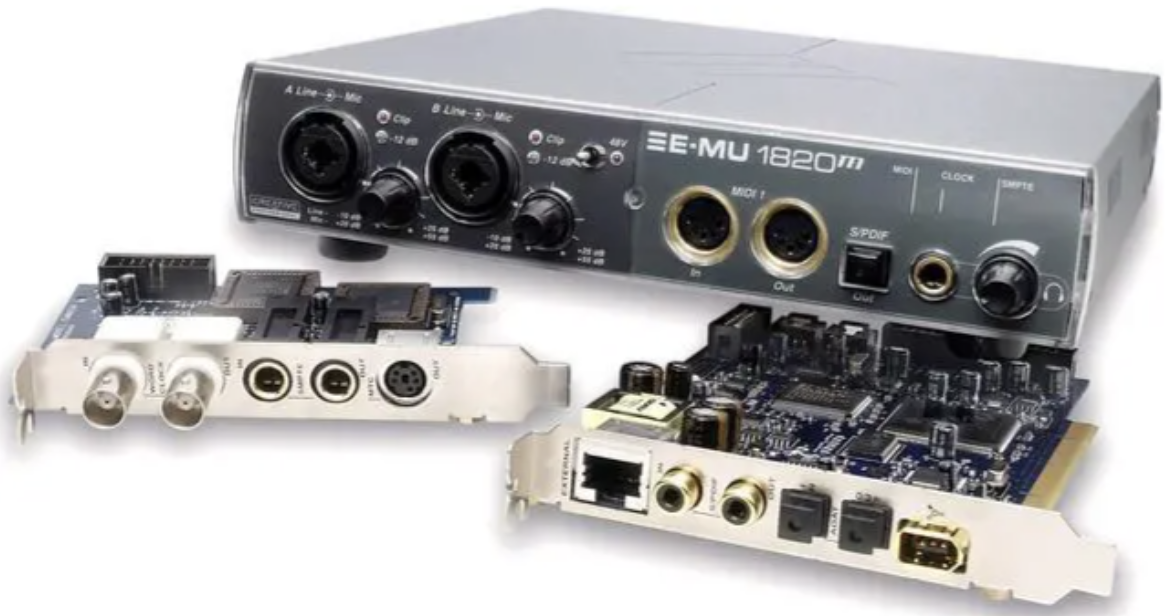
Seeking a way out of the chaos, I sold the Yamaha and moved to the E-mu 1820m. This was a massive step up in quality. The "m" stood for mastering-grade, and it boasted the same high-end A/D converters (AKM5394) found in Digidesign’s flagship Pro Tools HD 192 interfaces. It featured a flexible "AudioDock" breakout box with TFPro preamps and a dedicated phono input for sampling vinyl.
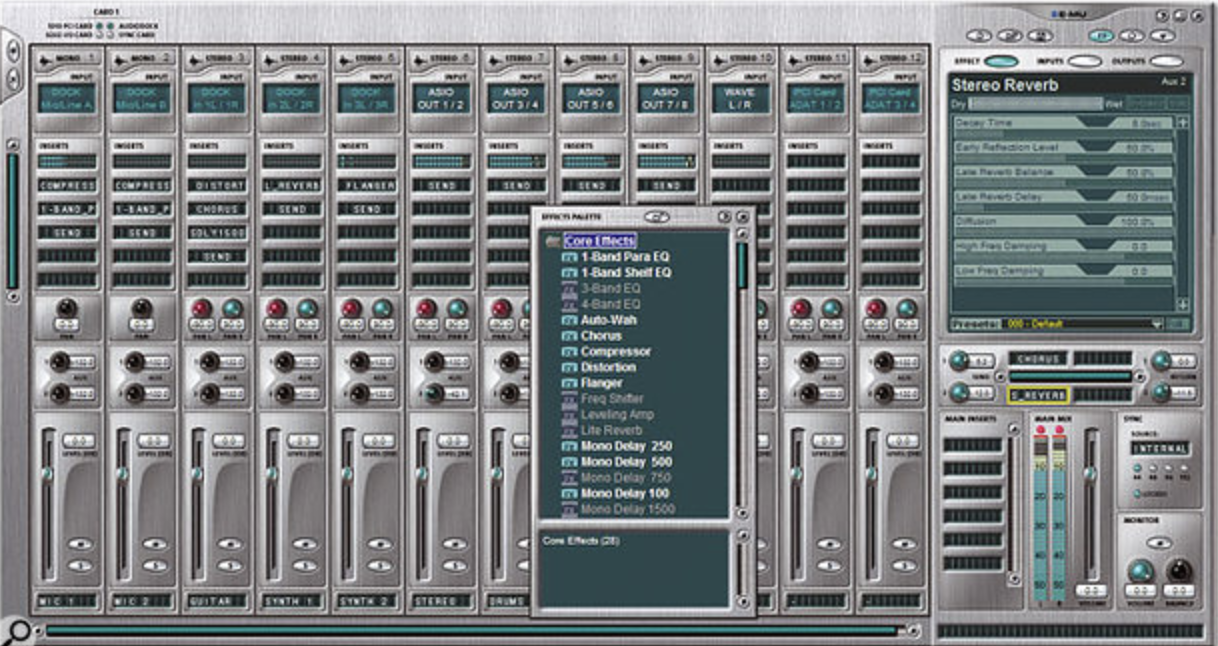
The software side featured the PatchMix DSP mixer, which allowed for zero-latency monitoring and hardware-accelerated effects. More importantly, I ditched the complexity of Cubase for Propellerhead Reason + Record. This duo was famous for its rock-solid stability and "locked" ecosystem, which finally gave me a reliable environment to work in without the constant fear of a crash.
The Modern Era: Stability at Last
Since those volatile days, I’ve cycled through the Focusrite Scarlett and the Universal Audio Arrow. The Arrow was my first taste of modern bus-powered DSP, using Thunderbolt 3 to run UAD’s world-class analog emulations with near-zero latency. I also used the Behringer XR-18, which proved to be an incredible tool for live streaming thanks to its 18-channel USB interface and integrated Wi-Fi mixing.
Today, I’ve settled on the MOTU Ultralite mk5. It’s the pinnacle of what I always wanted: low latency, incredible stability, and pristine preamps. Switching to a Mac Studio in 2022 was the final piece of the puzzle. I’m now the most productive I’ve ever been because the technology has finally stepped out of the way of the art.
The Struggle of 90s/00s PC Recording
Recording on a PC twenty-five years ago wasn't "plug and play"—it was "plug and pray." Several factors made it a nightmare:
- IRQ Conflicts: Modern PCs handle "Interrupt Requests" automatically, but back then, your audio card might try to share a hardware pathway with your mouse or printer, causing the system to crash instantly.
- Latency & ASIO: Before the widespread adoption of ASIO drivers, there was a massive delay between hitting a key and hearing a sound. Getting "low latency" required constant buffer size gymnastics.
- Underpowered Hardware: Hard drives weren't fast enough (5400 RPM vs 7200 RPM was a huge deal), and RAM was expensive. A single reverb plugin could max out a CPU.
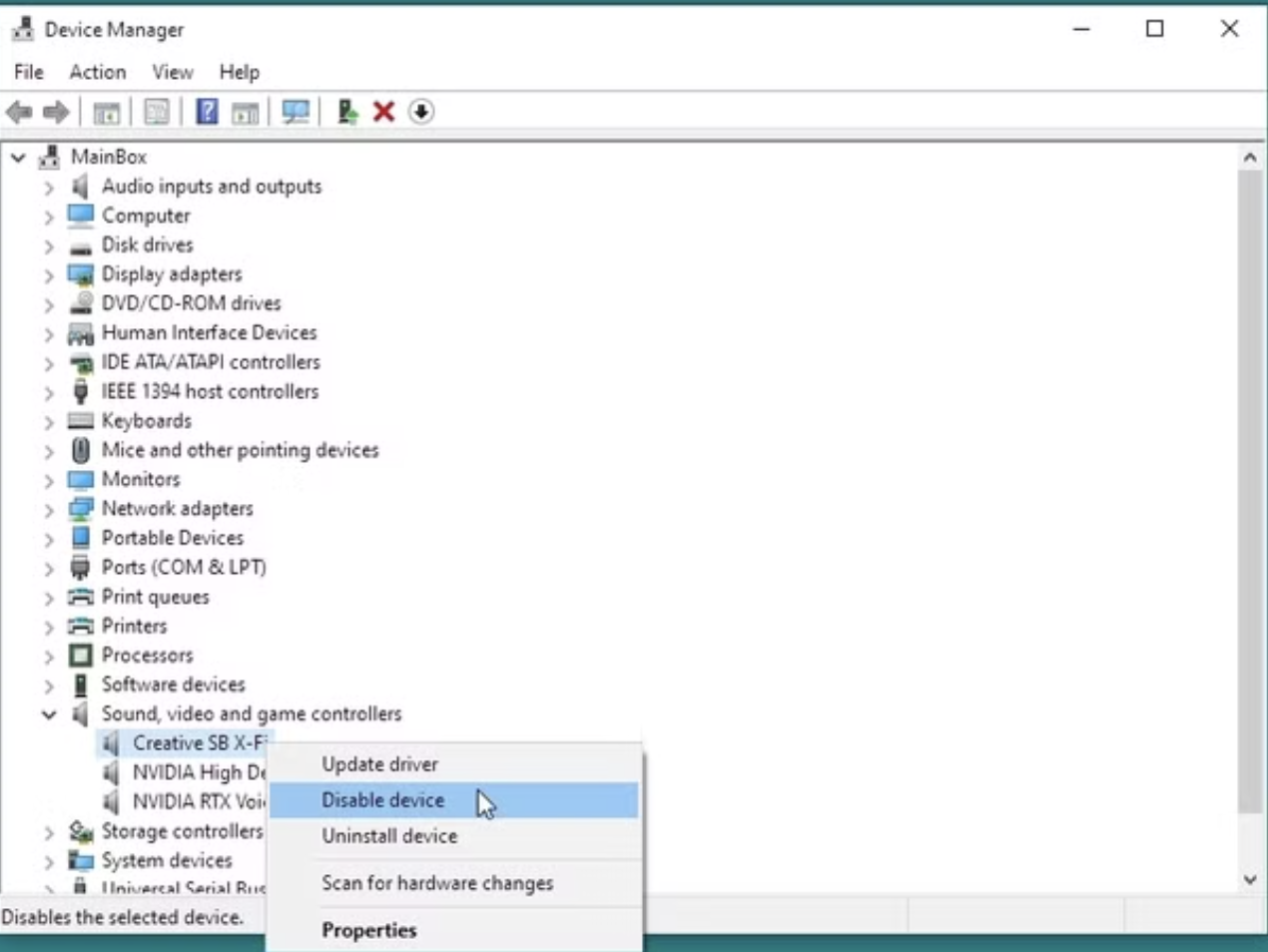
- Windows Settings: Windows wasn't originally designed for pro audio. You had to dive into the OS to disable system sounds, background indexing, and power-saving features just to prevent "pops and clicks" in your audio.
Why "The Kids" Have it Easy
Today’s creators are starting in a golden age. A modern entry-level laptop has more processing power than a million-dollar studio from 1995.
- Class Compliance: Most modern interfaces are "Class Compliant," meaning you plug them in and they just work—no driver installation required.
- SSD Speed: Solid State Drives have eliminated the "disk slow" errors that used to ruin perfect takes.
- Stability: Modern DAWs and operating systems are designed to be "sandboxed"; if a plugin crashes, it rarely takes the whole computer down with it.
Young musicians today can focus 100% of their energy on the song, whereas we had to spend 50% of our energy just being IT technicians.