As musicians and content creators, we rely heavily on software to capture ideas, shape tones, record performances, and build content. Over time, I’ve built a workflow around a mix of open-source software and free/paid tools.
Before diving into the list, it is worth highlighting a key distinction: Open Source vs. Free Software.
- Open Source means the source code behind the application is publicly accessible. Anyone can inspect, modify, and contribute to its development. These tools are built on community collaboration, transparency, and freedom from proprietary lock-in.
- Free Applications cost nothing to download and use, but their underlying code remains proprietary (closed source). While free tiers offer incredible value, features may be capped or tied to paid upgrades.
Here is a look at the open-source and free applications currently in my daily setup, along with the links and videos covering how they fit into my workflow.
Open Source Applications
OBS Studio
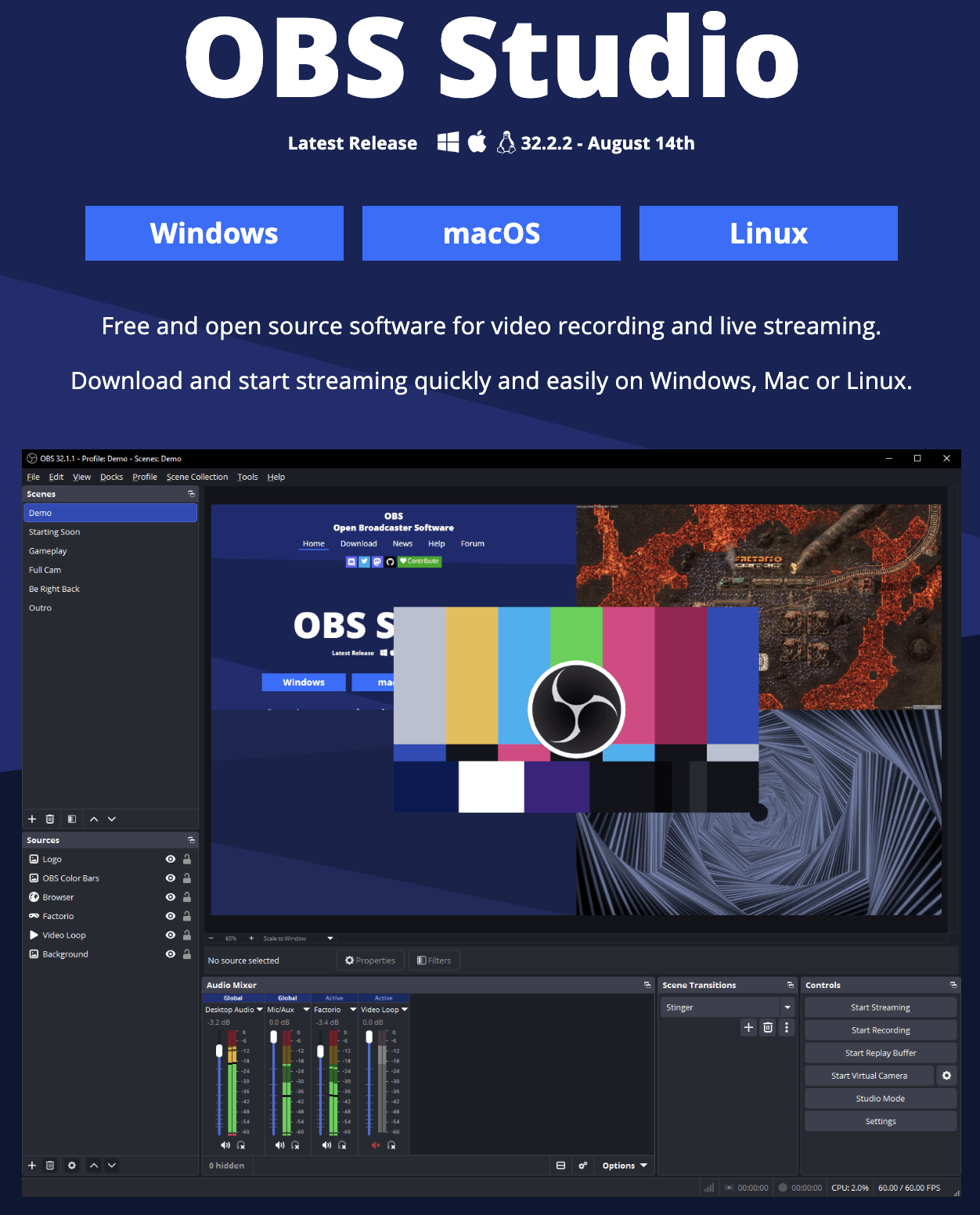
OBS is a vital tool in my content creation setup. I rely on its custom screen layouts and flexible video recording options to capture walkthroughs, plugin reviews, and screen recording sessions cleanly.
VLC Media Player
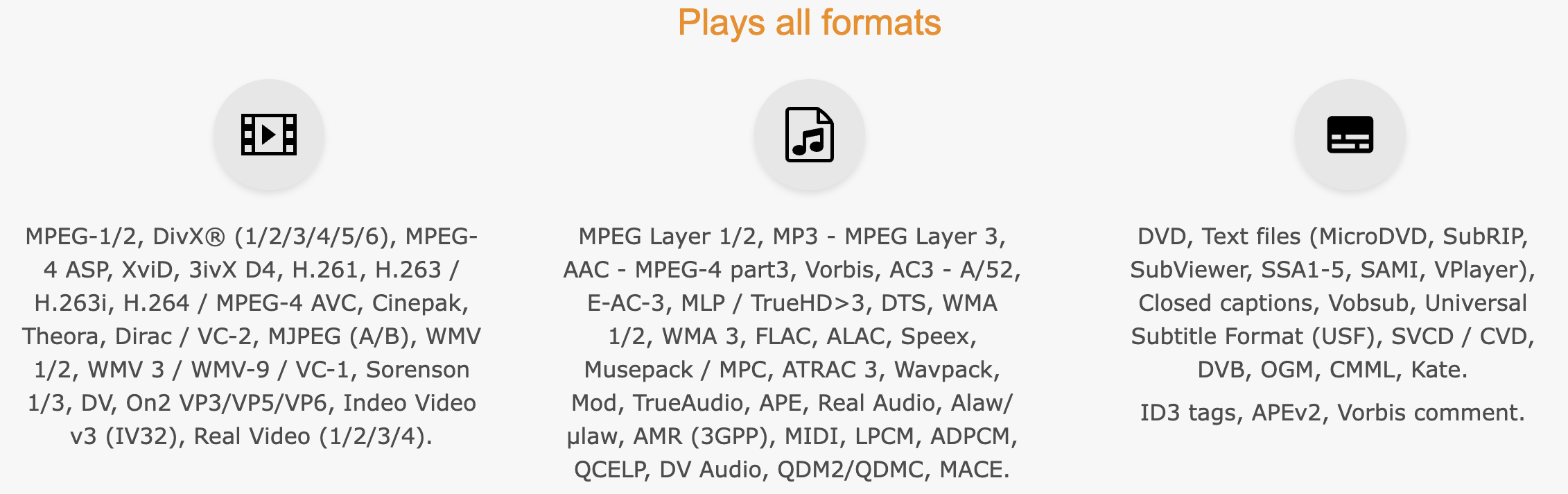
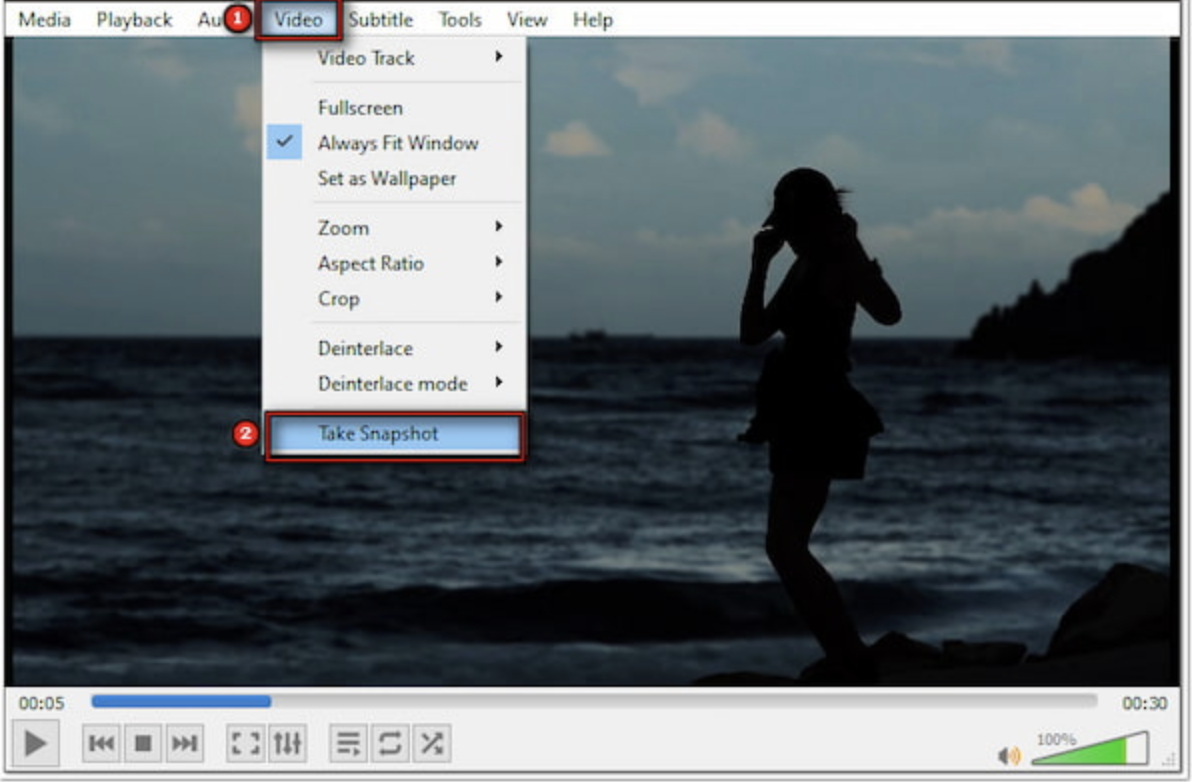
Beyond being a reliable player for almost any audio or video format, VLC is my go-to utility for grabbing high-resolution frame snapshots directly from video playback to use as base images for YouTube thumbnails.
Audacity
Audacity is my Swiss Army knife for quick audio tasks. I use it constantly to edit stereo files, export projects into various formats, and perform final mastering passes on my music files.
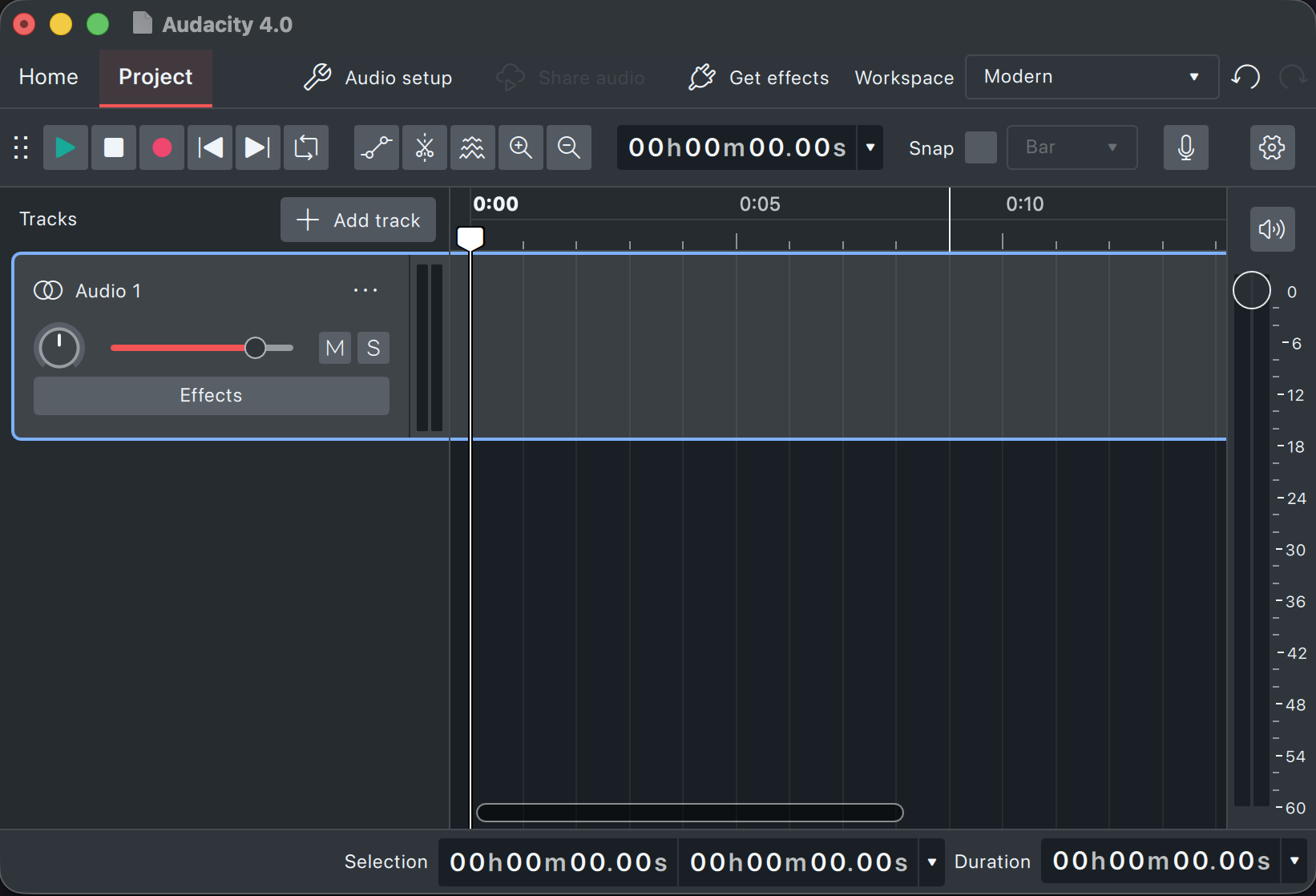
Watch the video: Audacity For DIY Mastering Walkthrough Video
Tone3000 & Neural Amp Modeler (NAM)
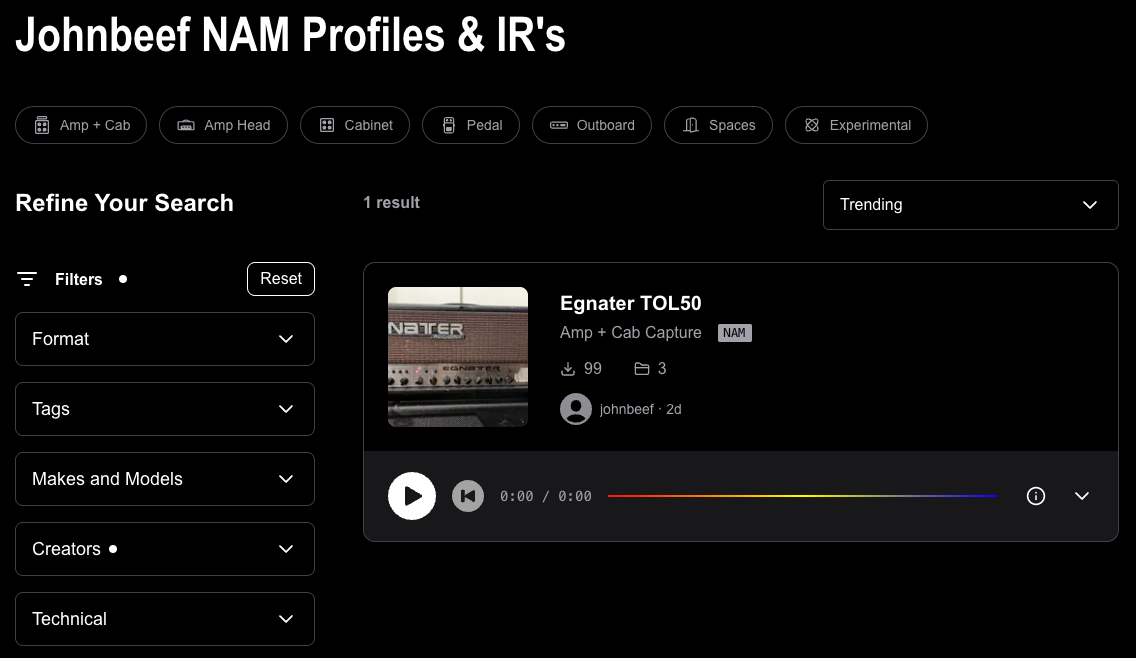
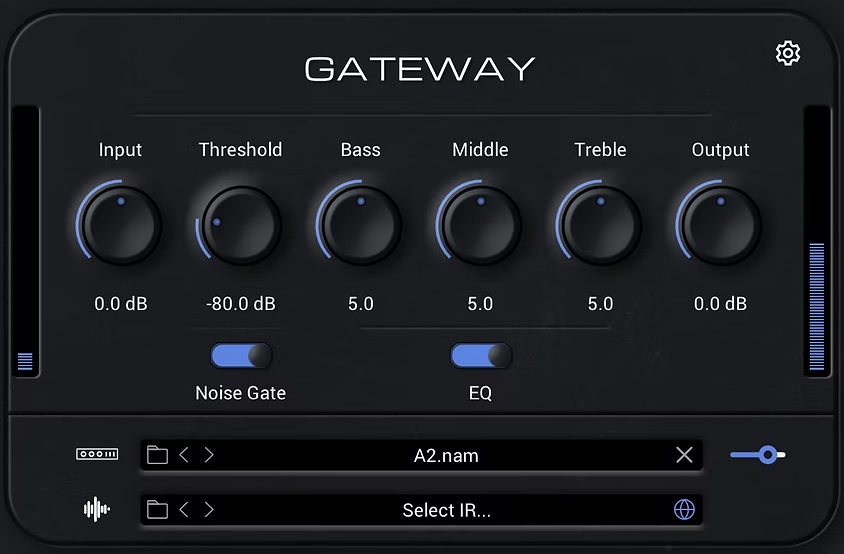
Open-source amp modeling has completely transformed how people track guitar. Tone3000 and Neural Amp Modeler (NAM) load hyper-accurate captures of real tube amps, pedals, and cabinets right inside the DAW for realistic tones.

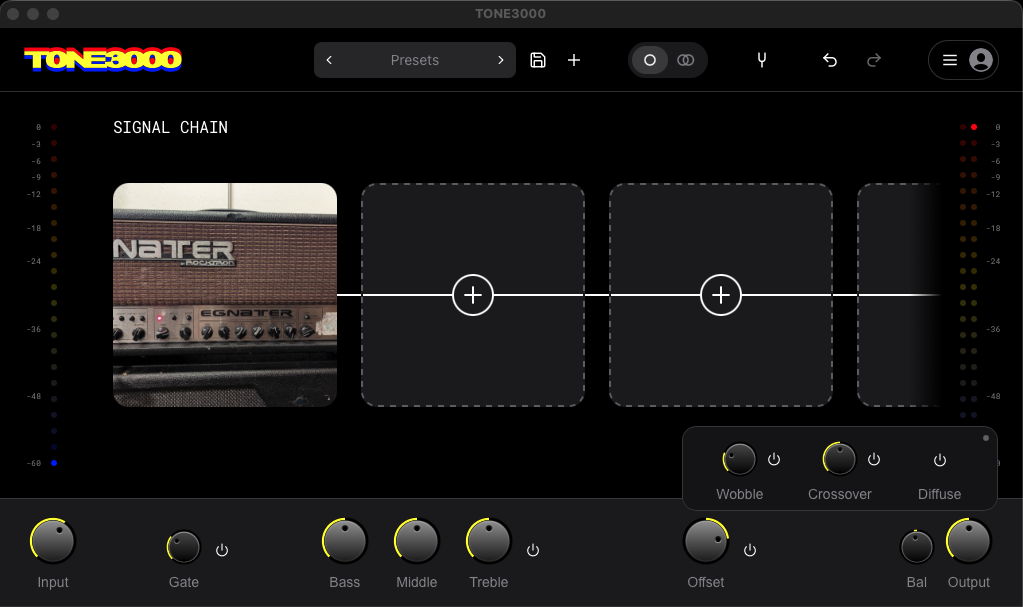
Resources & Deep Dives:
- Tone3000 Guides
- Tone3000 Plugin First Look (Video)
- Tone3000 Plugin First Look (Blog Post)
- Stereo Doubling Decoded: Tone3000 Spread vs. Line 6 Helix Double Take (Blog Post)
- Comparing NAM A2, Line 6 Proxy, and Amp Modeling (Video)
- Comparing NAM A2, Line 6 Proxy, and Amp Modeling (Blog Post)
Free Applications
Line 6 Helix Stadium Native
Line 6 offers a free version of Helix Stadium Native that lets you explore their guitar amp models and effects blocks. I design guitar tones using Helix Stadium Natives full version for recording guitar parts and sharing Helix Presets.
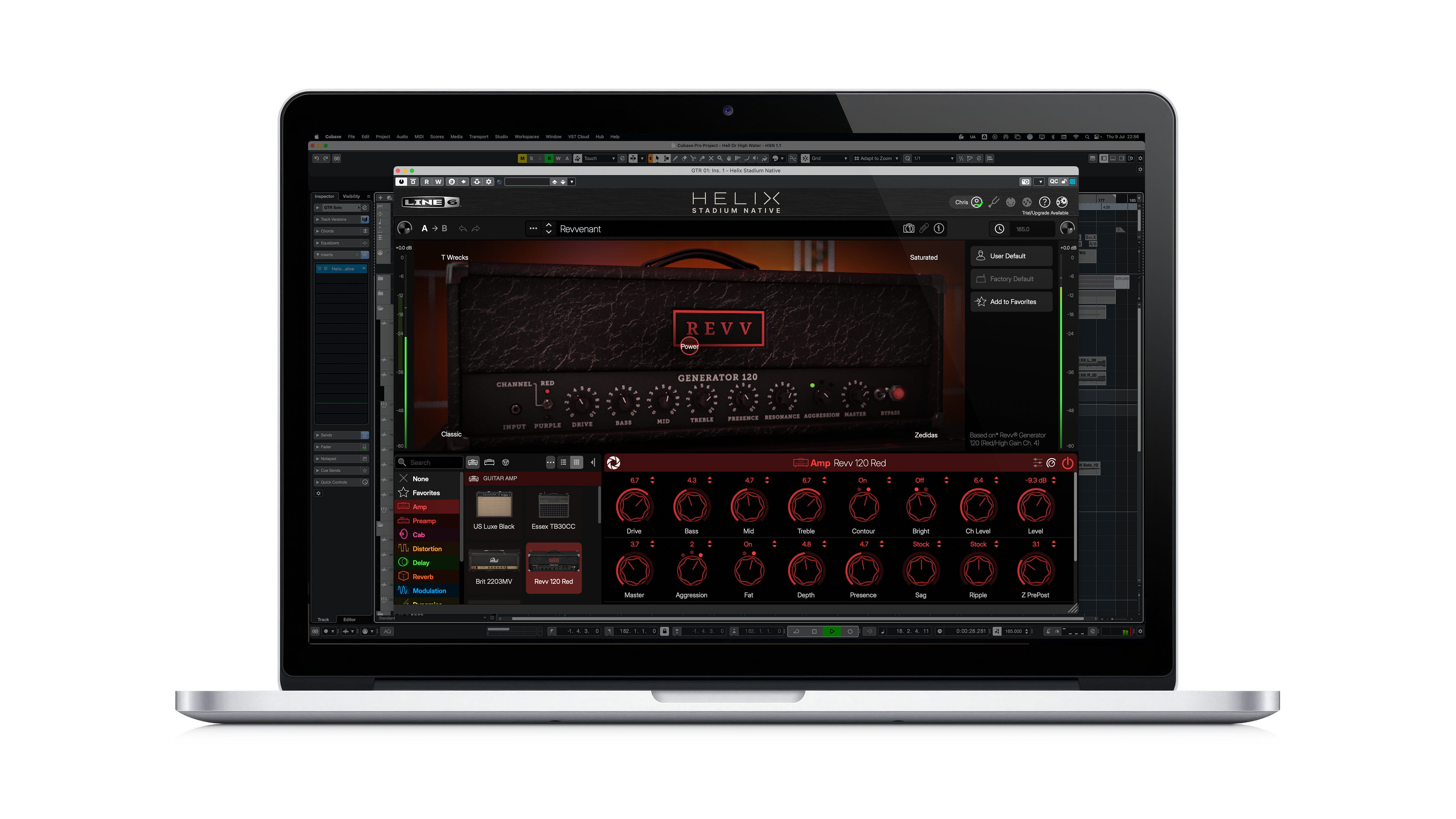
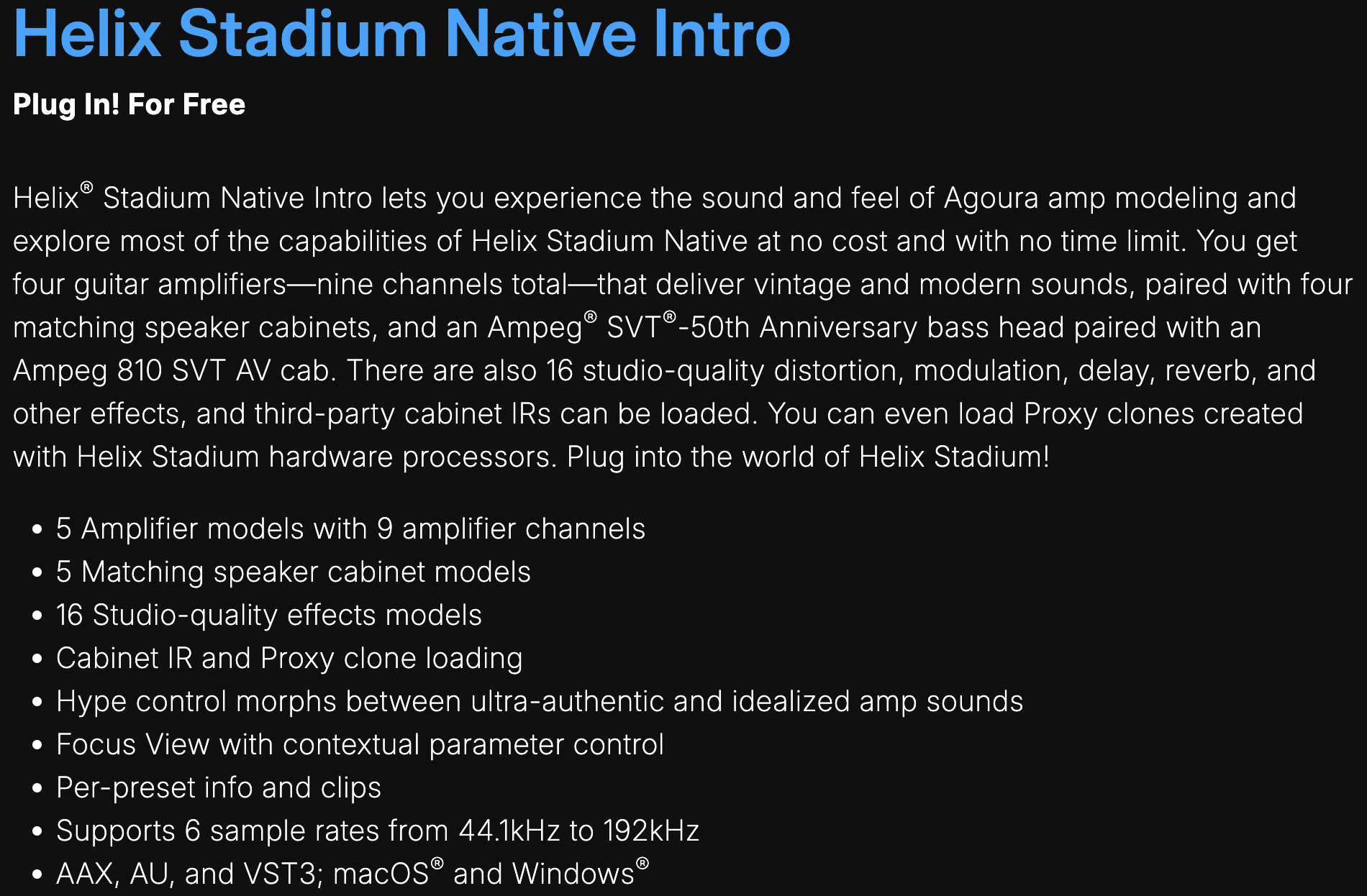
Watch the video: Helix Stadium Native Overview Video
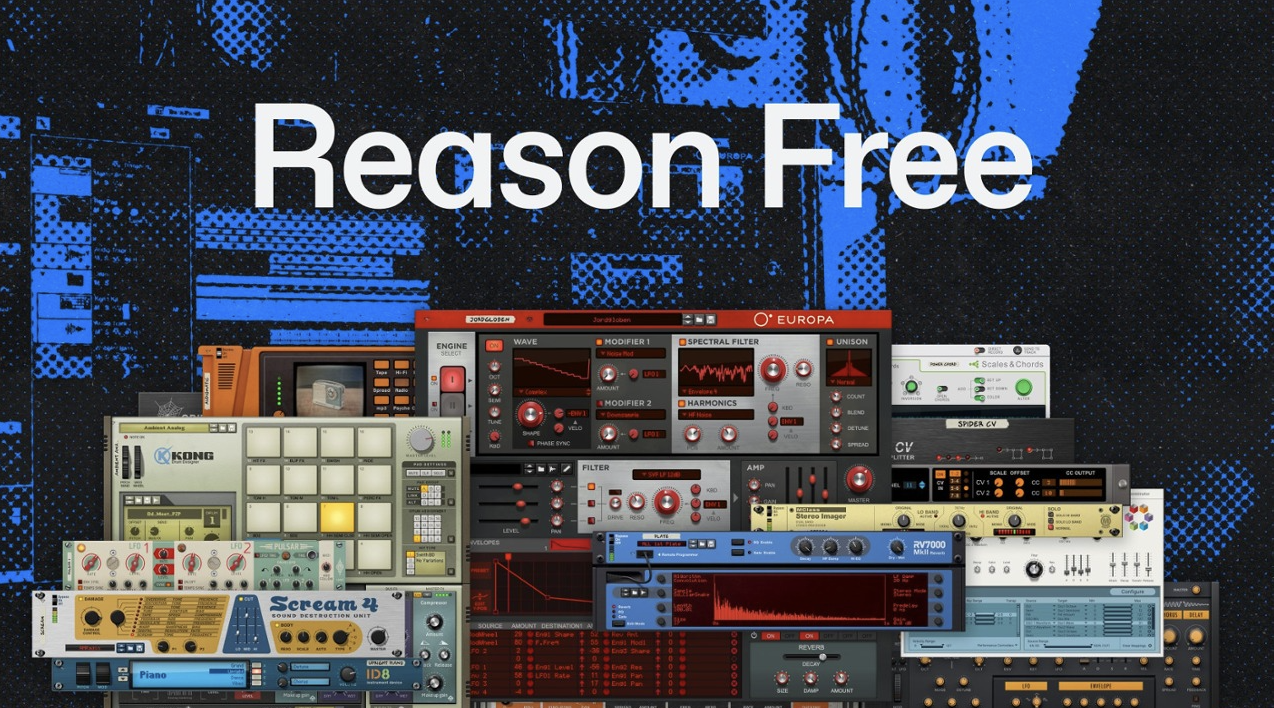
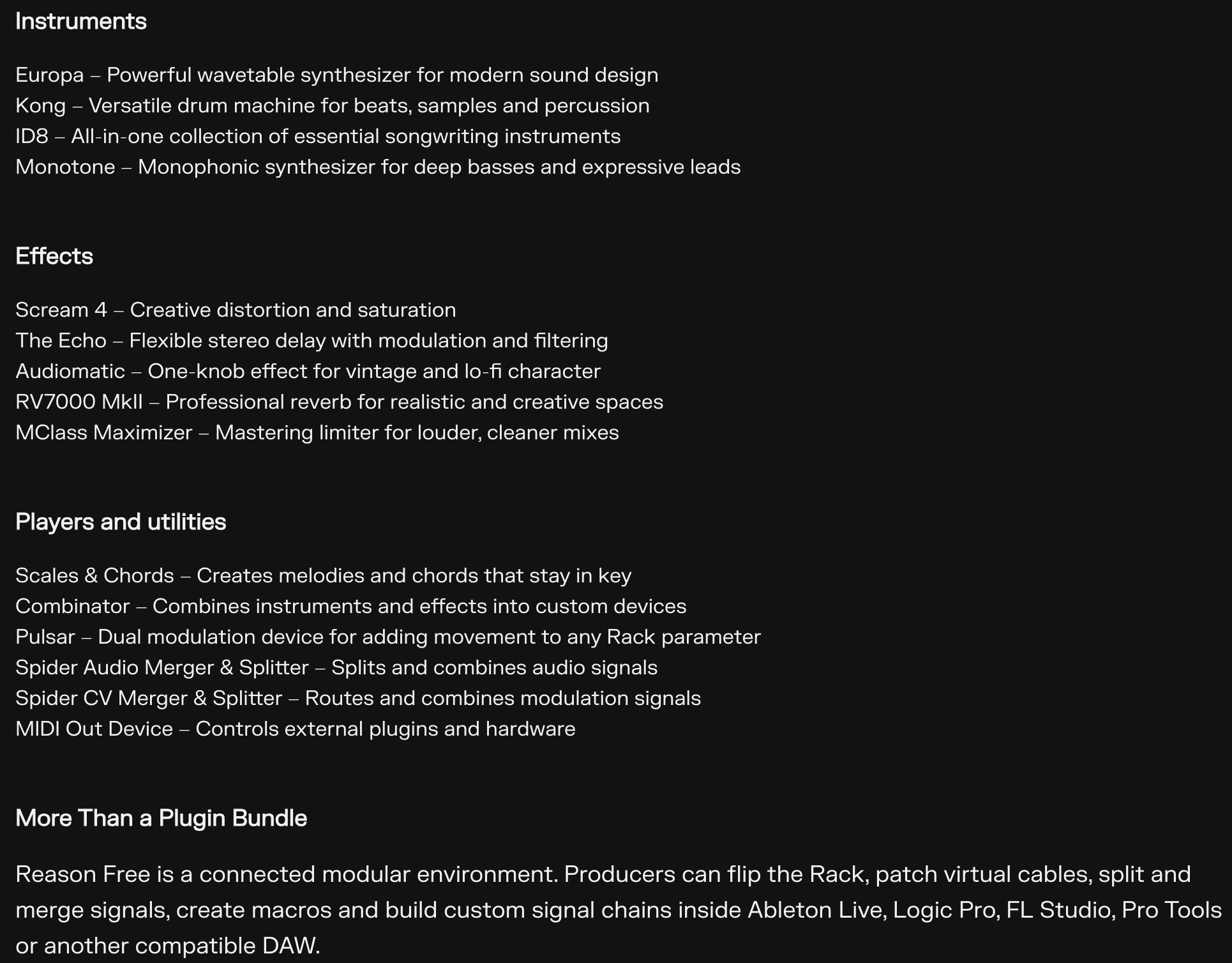
Reason Studios
Reason provides a free version to test out their virtual instruments, rack devices, and sound design tools. I use the full version regularly to experiment with modular rack routing and draw on its synth architecture for electronic music production.
Resources:
Affinity Studio
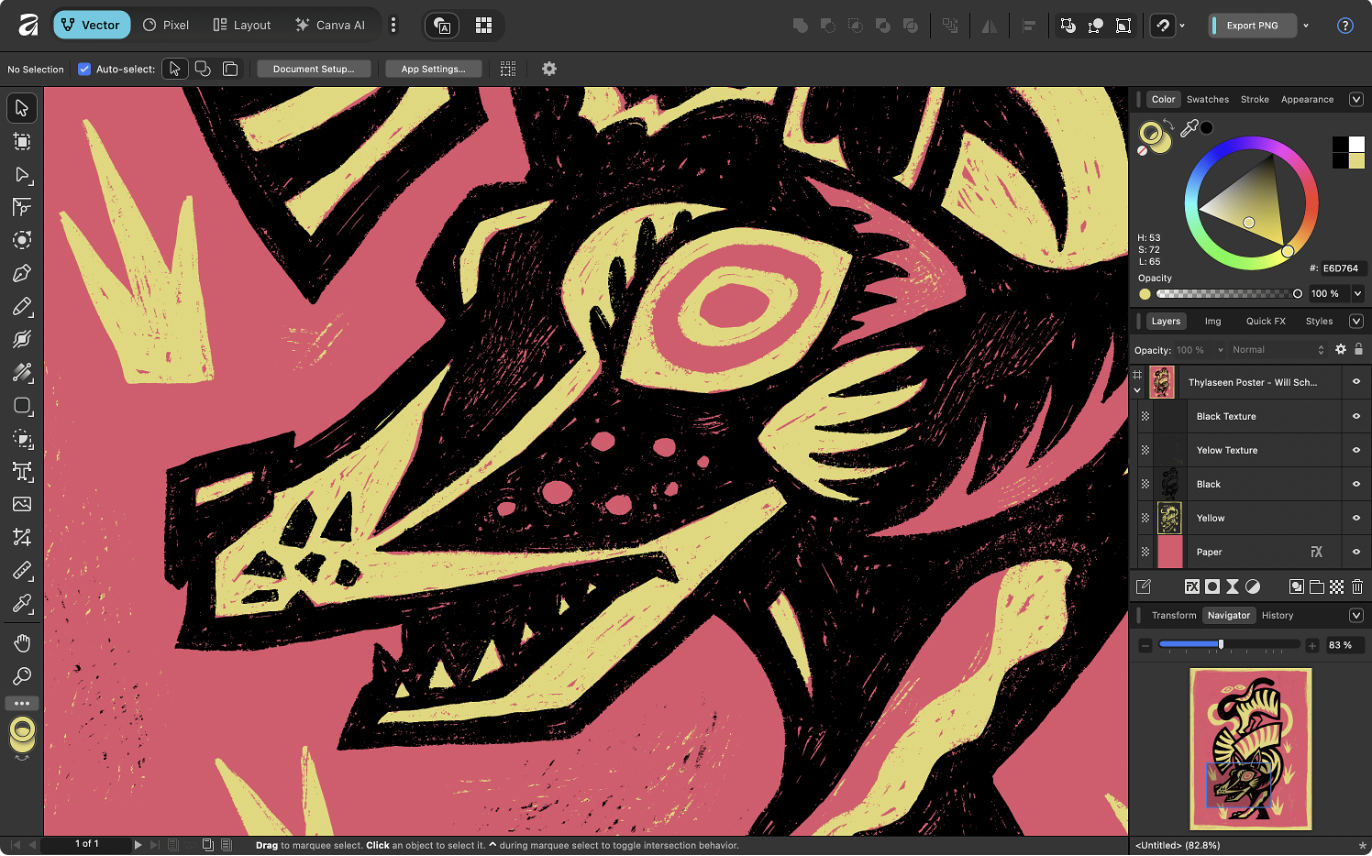
A professional creative suite for graphic design, vector art, and image editing. It is my main tool for designing custom YouTube thumbnails, blog artwork, and visual elements for my content.
Honorable Mentions
REAPER
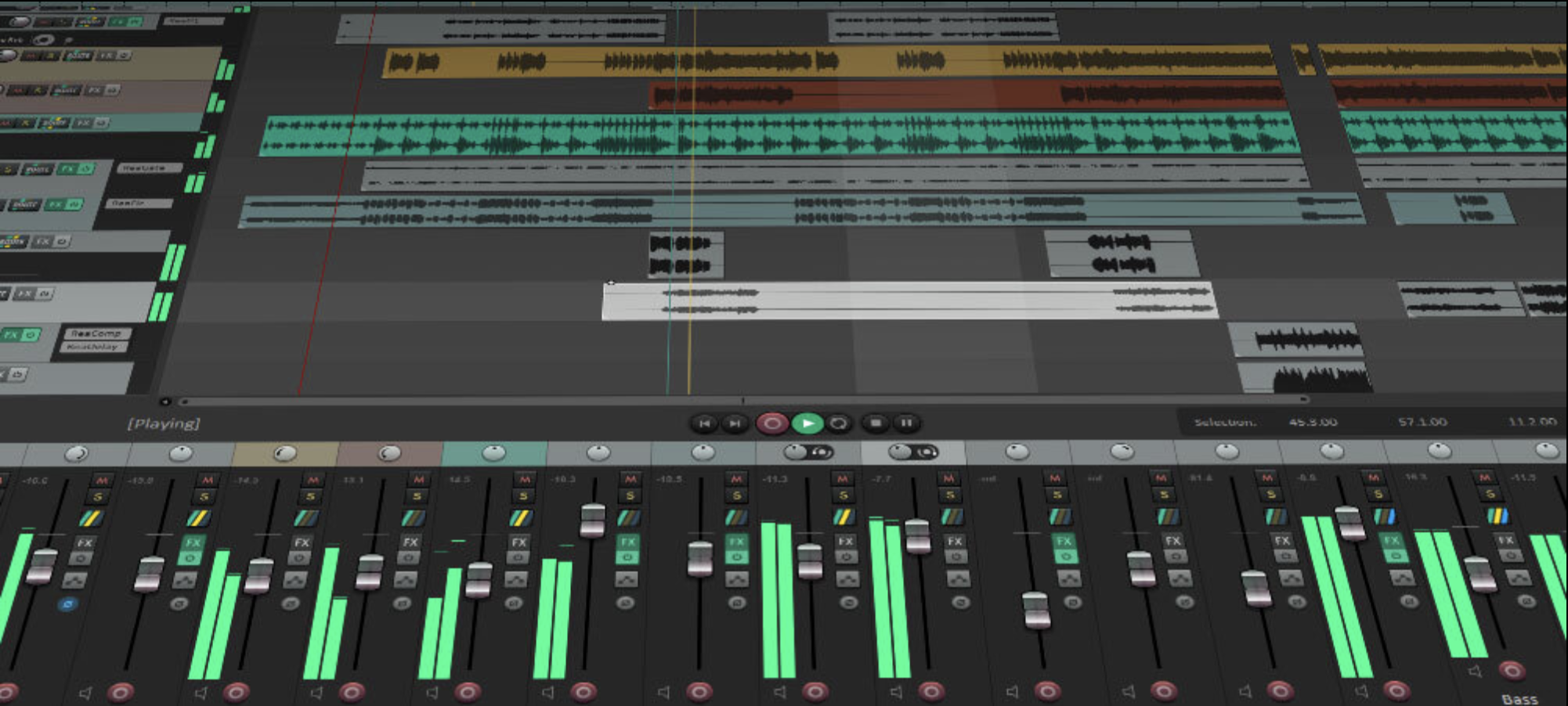
A fantastic DAW that is always evolving and adding professional audio features. While not open source, it offers a generous evaluation period and an affordable entry point ($60) for a full license.
openDAW
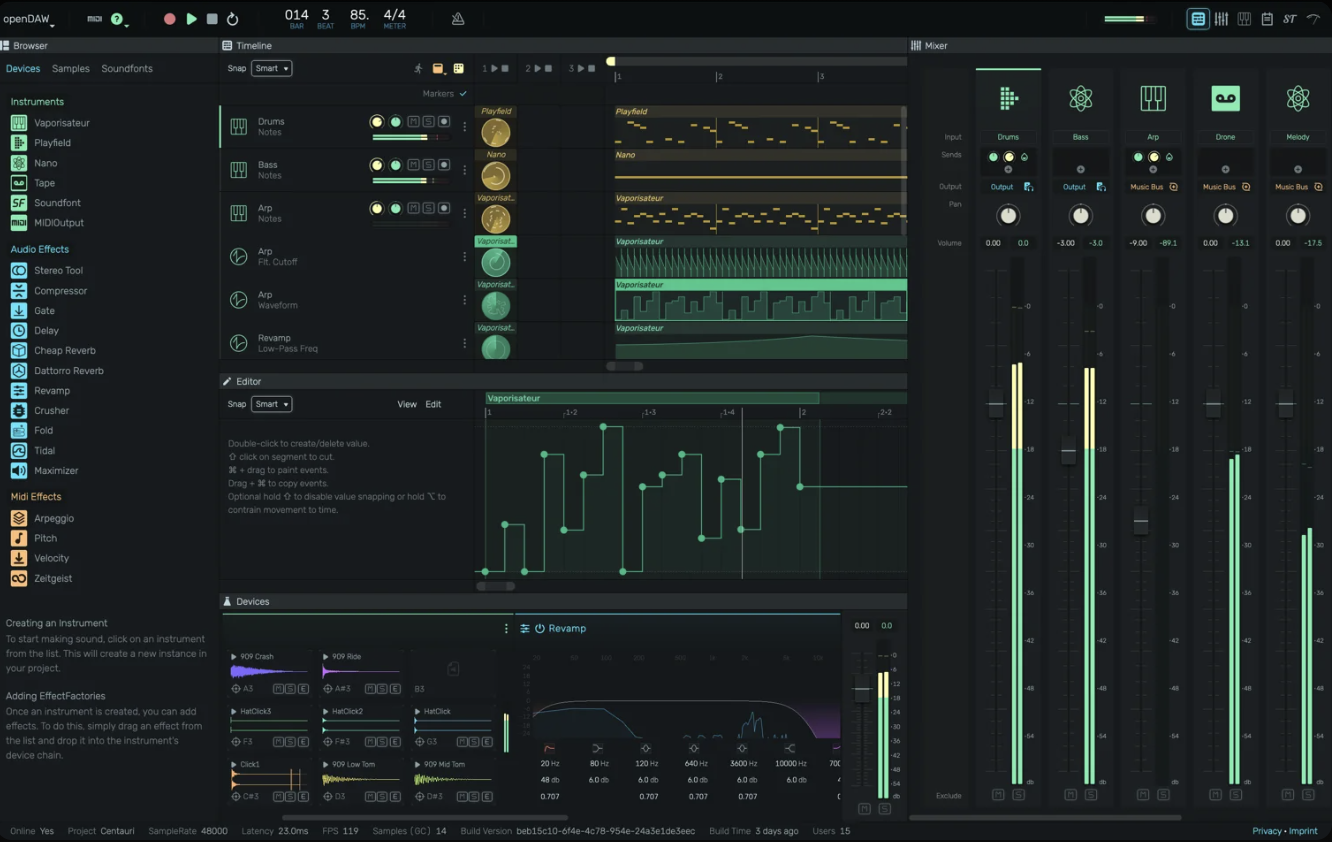
An ambitious open-source DAW built around real-time online collaboration directly inside the web browser. (Learn more at openDAW.org). Projects like openDAW prove that the browser is becoming a legitimate music creation space, and as browser web-audio APIs mature, online music collaboration will keep getting better.
I recently reached out to André Michelle, creator of openDAW, to discuss hardware input routing in the browser:
AfterAudio: "Is multi-channel input routing beyond Inputs 1 & 2 planned for openDAW? I'm trying to test out recording guitar on my physical Input 2 HI-Z through the Tone3000 plugin and the Tape device, but there isn't a way to select discrete hardware input channels directly on the track yet."
andre michelle: "Unfortunately the web-audio-api does not support more than 2 channels, but you can use audio utilities like Audio Hijack and Blackhole to route the channels into virtual audio devices."
AfterAudio: "Virtual routing tools like BlackHole work, but they introduce extra latency that makes live tracking, especially playing guitar through amp sims like your Tone3000 NAM plugin, feel sluggish compared to a direct Web Audio input pipeline. Would love to see native multi-input support in openDAW down the road if browser stability allows."
andre michelle: “Me too. I'll keep pushing.”
The Future of Open Source for Musicians
The future of open-source software for musicians relies on tools that remain free, continuously evolve, and assist creators. As upcoming technologies like MIDI 2.0 offer open-source developer resources, and open-source DAWs , effects, and synths are released, we can look forward to inspiring and intuitive tools that help musicians create.
More Musings & Resources
To check out other posts, gear reviews, and tutorials, head over to my main musings page:
Related Post: Comparing NAM A2, Line 6 Proxy, and Amp Modeling — A detailed look at how open-source neural modeling stacks up against component modelers.